Product Profile of Instrumentation and Graphics Editor Software
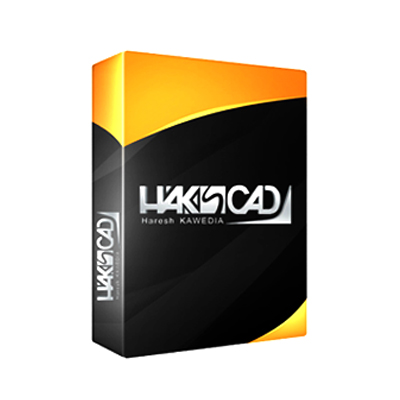
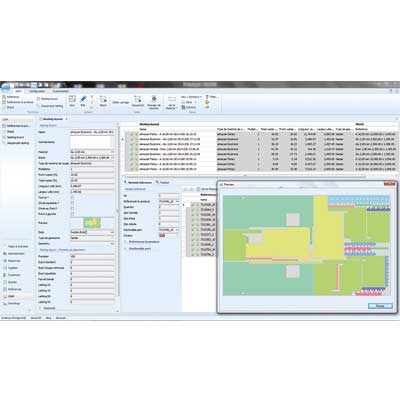
Esdotcom Support & Software Services Pvt. Ltd. offers Instrumentation and Graphics Editor Software. Esdotcom Support & Software Services Pvt. Ltd. is an ISO 9001:2000 certified company. Instrumentation and Graphics Editor Software meet the requirements of academic institutions to know the basics of graphics development. Instrumentation and Graphics Editor Software is user-friendly and is provided with a graphic user interface that runs on windows system. With this software the user can create simple or elaborate instrumentation drawings. These drawings can be either black-and-white or color. It can also be used along with training simulator for live mapping of the tags, during simulation model development.
Key Features of Instrumentation and Graphics Editor Software
- Draw line [simple, horizontal, vertical, dotted]
- Draw rectangular object [square, rectangle and round rectangle]
- Draw circular object [circle and ellipse]
- Draw curved line [arc and chord]
- Fill an area or object with color
- Write a static text
- Insert a bitmap into the current graphics
- Size to contents
- Insert an instrumentation tag
- Insert dynamic level indication
- Insert special mapping [hyperlink]